Neon marks fill three pages, and none of them has an owner, a due date, or a next verb. You flip the notebook closed and open it again, half hoping they rearranged themselves while you took the coffee break. The clock says 3:47 p.m., and you know if you leave these scribbles for tomorrow they’ll read as gibberish, no matter how bright the highlighter. You grab the pen you keep tucked in the notebook spine, pull the blank desk calendar pad toward you, and set a 22-minute timer.
Use the 25 minutes between your last meeting and end of day
You’ve already written off this slot as throwaway time, the gap you fill scrolling unread work messages, deleting old calendar invites, or mindlessly closing tabs you haven’t touched in a week. That’s exactly the gap you need to make sure those neon marks don’t turn into 10 minutes of confused squinting next Tuesday when you flip back to this page. 90% of the highlights you scribble during meetings, podcasts, or client calls die unread if you don’t touch them again before 4 p.m., no matter how urgent they felt when you marked them. You don’t need to clear a whole hour, rearrange your calendar, or skip your post-work walk to get this done. You just need the chunk you were already going to spend on mindless busywork, and you can be done before your timer hits zero. This isn’t adding more work to your plate, it’s stopping you from adding extra work next week when you have to re-read 12 pages of notes to find the line that mattered.
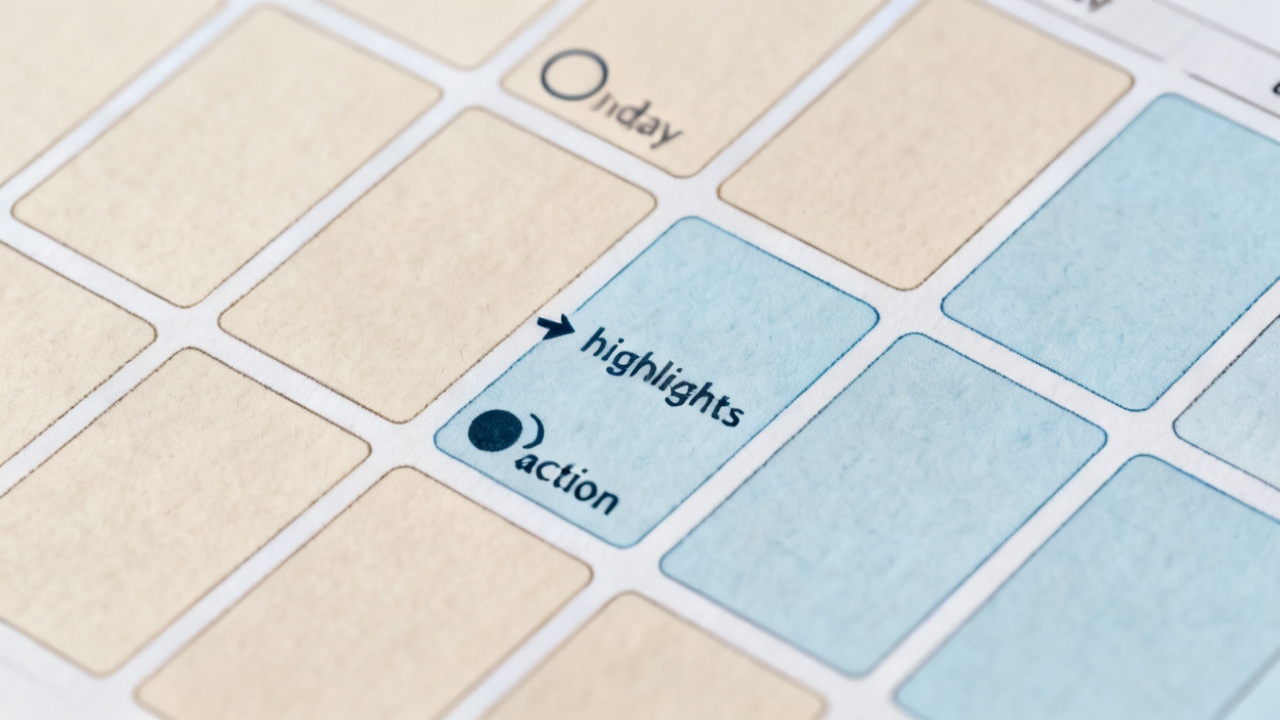
Sort every marked line into one of two piles before the timer runs out
Start by flipping through each page of notes you took today, one line at a time, no skimming. If the highlighted line is a quote that resonated, a statistic you want to reference later, or a random thought that doesn’t require any follow up, draw a small square around it and leave it in the notebook. These should stay quotes, not fake tasks you’ll never get to, so you don’t clutter your action list with entries that have no clear end. If the line is something that requires you or someone else to take a tangible step, write the first three words of the line on a loose scrap of paper and set it in a separate pile to your left. You don’t overthink this sorting step, even if your calendar for the next three days is already full. Sorting now doesn’t mean you have to do the task today, it just means you don’t have to waste time decoding your own handwriting later when you’re already swamped with urgent work. If you’re not sure if a line belongs in the action pile, err on the side of leaving it in the notebook—you can always add it later if it comes up again.
Fill these four fields for every line in your action pile
Once you’re done sorting, you don’t have to write a long, detailed plan for each scrap of paper. You just need to fill four simple, specific fields for each entry, which you can track in the table below, or scribble directly on the scrap if you don’t want to type anything out. These are the only action-list fields you fill before leaving the desk, no extra details required. The line snippet is just enough to jog your memory, no need to copy the whole note word for word. Assigned to is either you or the exact person you need to pass this to, no vague “team” or “department” entries that leave no clear owner. First action verb is the very first thing you do when you pick this task up, no generic terms like “handle” or “work on” that leave you guessing what to do next. Next date you’ll touch it is the first day you have 10 minutes free on your calendar to tackle that first action, even if it’s two weeks out. If you don’t know who the task is assigned to, put yourself for now—you can reassign it later once you have more context. If you don’t know the next date, put the first work day after today, no more than 7 days out, so you don’t let it fall through the cracks.
| Line snippet | Assigned to | First action verb | Next date you’ll touch it |
|---|---|---|---|
| Illustrative example: Vendor contract renewal clause review | You | Email legal for template | 10/17 |
| Illustrative example: New blog post topic brainstorm | Sam | Share 3 topic ideas in Slack | 10/18 |
| Illustrative example: Office supply restock request | Admin team | Forward receipt to finance | 10/16 |
You can find a blank version of this table on Find Core Insight if you want a pre-formatted sheet to print and keep at your desk for daily use. This step takes roughly 10 seconds per entry, so even if you have 10 highlighted lines that need action, you’ll be done in less than two minutes.
Pick one item from the table to complete before you sign off
You don’t have to tackle every item on the list today, or even half of them. You just need to pick one entry, any entry, and complete the first action verb right now, before you close your laptop for the day. It can be the smallest one, the one that takes 2 minutes or less. If the first action verb is “Email legal for template”, you send that 2-line email right now, no need to draft a long message or add extra context. If it’s “Share 3 topic ideas in Slack”, you type up the three bullet points and hit send before you close the tab. If it’s “Forward receipt to finance”, you pull up the receipt in your email inbox and hit forward in 30 seconds flat. This one small win means you don’t have a whole list of new tasks staring at you tomorrow, you already have one crossed off before you even start the day. It also confirms that the first action you wrote is actually doable, not some vague step you made up on the fly. If you can’t complete the first action right now, adjust it to something smaller so the next time you touch the task you don’t get stuck wondering where to start.
Repeat this exact process before you leave your desk every day
When you’re done with the single action step, tuck the filled table or the stack of marked scraps in the front of your notebook, right next to the page with the neon highlights, so the first thing you see when you sit down tomorrow is exactly what you need to tackle first. You don’t have to set a reminder, you don’t have to copy the list to another app, you just leave it there where you can’t miss it. Turn today’s three highlights into your action list before you leave, even if you only have 5 minutes to spare, and you’ll never waste 20 minutes re-reading old notes to find the line that matters again. The next time you finish a meeting, a podcast, or a deep work session with a page full of highlighted notes, you’ll already know exactly what to do with them before they turn into unreadable scribbles. You don’t have to adjust your whole workflow, you just have to use the 25 minutes you were already going to waste at the end of the day to turn those highlights into clear, actionable steps you can follow when you need them. You can leave the highlighter you used today right next to the printed table so you don’t have to rummage through your desk drawer to find it tomorrow, making the whole process even faster the second time around.