The first glance at the lock screen is not a message you needed; it is just the habit that ends the block. You reach for it before you even register the half-written sentence on your screen, the mug gone cold at your elbow, the timer you set 12 minutes prior still ticking down on the second monitor. You do not have a pending emergency, no family member in crisis, no time-sensitive work request that requires an immediate response.
Cues you missed when you sat down at this desk
When you opened your laptop 20 minutes ago, you barely registered the small triggers that primed you to reach for your phone before your block was halfway done. The crumpled coffee receipt tucked under your keyboard has a scrawled note about a prescription refill you need to schedule, which flashed in the corner of your eye three times while you typed. You told yourself you would leave your phone in the kitchen when you sat down, but you grabbed it on your way to the desk “just in case” your kid’s school called, and you slipped it in your sweatpants pocket without a second thought. That pocket check you did 22 minutes into the block, when you felt a faint phantom vibration that wasn’t even real, reset your entire train of thought so you had to re-read three paragraphs of research to get back on track. You also stuck a post-it note with a friend’s birthday reminder to your laptop bezel this morning, and every time you glance up from your draft, you see it and remember you need to order them a gift, which pulls your attention straight to the device you keep telling yourself you won’t touch.
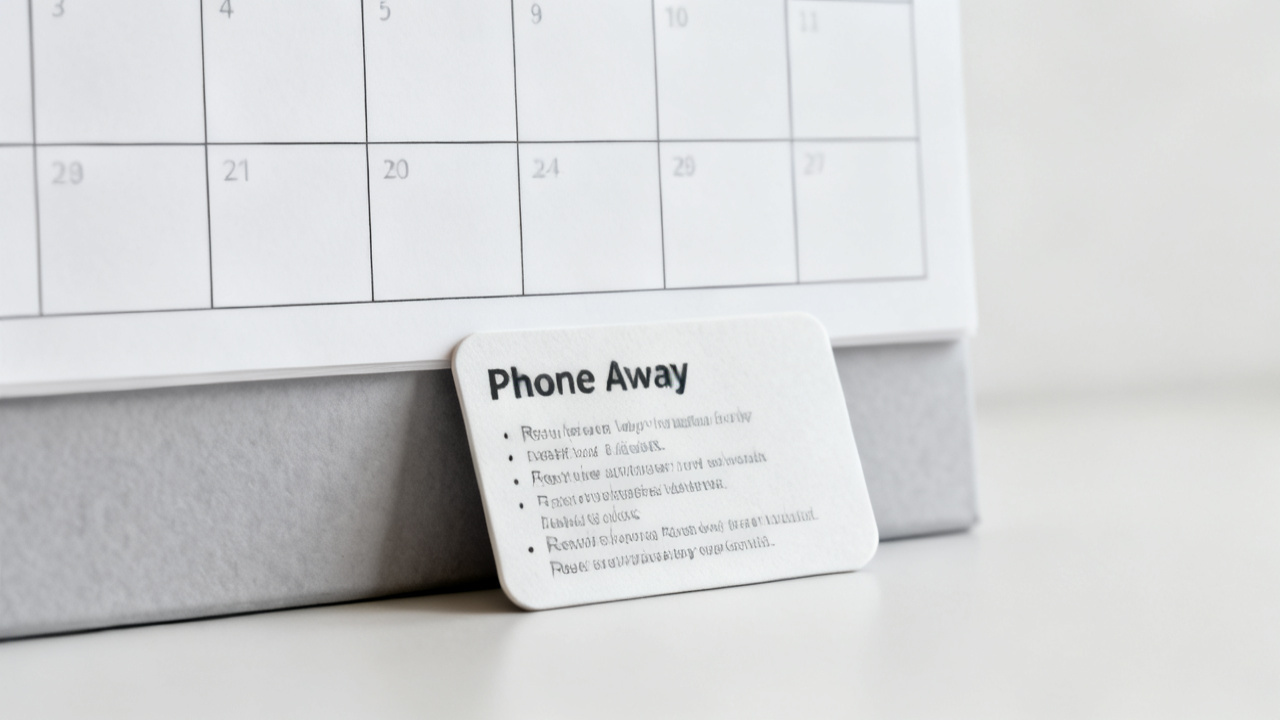
Two nearly identical interruptions, and the quick check to tell them apart
The urge to grab your phone almost always falls into one of two categories that look exactly the same at first glance. The first is a genuine, time-sensitive request that requires you to access your phone before your block ends: a school nurse calling about a sick kid, a contractor texting about a repair you scheduled for this week, a colleague sending a file you need to finish the task you’re working on right now. The second is a habitual urge to scroll, check non-urgent messages, or look up a trivial detail that can wait until your block is over, which serves no purpose for your current work and only eats into the time you set aside to get this task done. The test to split them takes 10 seconds, and you say the questions out loud so you can’t talk yourself into a loophole: “Will someone face harm if I wait 30 minutes to answer this?” and “Is this request directly tied to the task I am working on right now?” If the answer to both is no, you are dealing with a habitual urge, not a real need. Exceptions that sneak the phone back to the desk almost always happen when you skip this check and tell yourself “this one is important” before you even know what the notification is for.
Adjustments that match the exact interruption you deal with right now
You already know the urge that pulled you away from your work five minutes ago falls into one of the three outcomes of the check, and you pick the corresponding rule to apply for the rest of this block. You keep this table open on your screen for the full remaining time so you don’t have to guess what to do if another urge hits:
| Urgency check result | Retrieval rule | Action to take right now |
|---|---|---|
| Both check answers are no | No retrieval permitted for the rest of the block | Walk the phone to the coat closet by the front door immediately, set a visible timer on your laptop for the remaining block time |
| Only first check answer is yes | You may retrieve the phone only to respond to the urgent request, then return it immediately | Jot the specific urgent request on the corner of your notebook before you get up to grab the phone, so you do not open unrelated apps while you have it in your hand |
| Only second check answer is yes | You may retrieve the phone only to pull up the specific file or detail tied to your current task, then return it immediately | Write down the exact piece of information you need before you get up, so you do not get distracted by incoming notifications while accessing the file |
If the urge you just felt had two no answers, you stand up right now and walk the phone to the other room, no delays, no checking one last message before you set it down. You leave the phone in another room for one block today, no extra negotiations. You run one block a day with this list on your laptop for the rest of the week, so you get used to referencing the rules before you reach for your device. The room-away rules and clear retrieval boundaries you just mapped are non-negotiable for this block, so you don’t waste time arguing with yourself about what counts as an emergency.
Rules you do not adjust or overthink tonight
You do not add extra exceptions to these rules for this specific block. No “I can check it once if I finish this section early”, no modifying the rules to let you keep the phone on the desk face down, no spending 10 minutes researching better focus hacks instead of getting back to your task. You do not worry about how these rules apply to tomorrow’s work blocks, or weekend blocks, or blocks where you’re waiting for a specific important call. You only use these three rules for the remaining time of this specific 45-minute block you are in right now. You do not beat yourself up for grabbing the phone earlier, or for having the urge to check it again. You do not spend time reworking the table or adding extra rows for hypothetical situations that haven’t happened yet. You just implement the rule that matches the urge you just felt, and get back to the work you were doing before you reached for your phone.
Next week’s check-in for this list
The first Wednesday of next week, you pull this note up right before you start your first focus block of the day. You take two minutes to jot down what worked during today’s block, what urges you still felt, if you had any genuine urgent requests that came up that the current rules didn’t account for. You adjust the rules only if you have a specific, real example of a situation where the current rule didn’t work, not just a hypothetical you thought up while scrolling the night before. Better looks like you make it through a full 45-minute block without reaching for the phone once, and you only retrieve it when you have a yes answer to one of the two check questions, no self-negotiated loopholes. If you want additional context for small tweaks, you can reference the relevant guidance on Find Core Insight, but you do not need to look anything up before you run your next test block. You bring the same 10-second check to that first block of next Wednesday, and you only adjust the rules to fit your actual use, not some idealized version of focus you saw online.