Receipts and half-sentences live under the trackpad, and the notes app still looks empty. You dig under the trackpad right now and pull out three crumpled sticky notes, a coffee receipt with a client call follow-up scrawled on the back, and a scrap of notebook paper with a half-written book title you wanted to look up. None of these are in your notes app, none are searchable, none are scheduled to get done. You’ve been meaning to fix this for weeks, but every capture tutorial felt like too much work to start.
Gradual shifts that lead to cluttered desk edges
You didn’t end up with a pile of unfiled scraps because you forgot to do one big cleanup. It happened one small choice at a time: you jotted a meeting takeaway on a receipt instead of pulling up your notes app mid-call, you scribbled a birthday gift idea on a sticky note when you were rushing out the door, you tore off a corner of your notebook to write down a podcast recommendation while your laptop was updating. Each of these choices took 2 seconds in the moment, but the pile of unprocessed scraps that builds up over two weeks leaves you missing follow-ups, forgetting ideas you cared about, and wasting 10 minutes every time you dig for a specific scrap under your keyboard. You might have tried to fix this before by setting a reminder to do a big desk cleanup once a month, but those reminders always get pushed back when you’re busy, and the pile only grows bigger in the meantime. You don’t need to overhaul every part of how you take notes to fix this. You just need one small, consistent stopgap between the scrap in your hand and the app you use to store long-term notes.
Single adjustment you make to your current routine
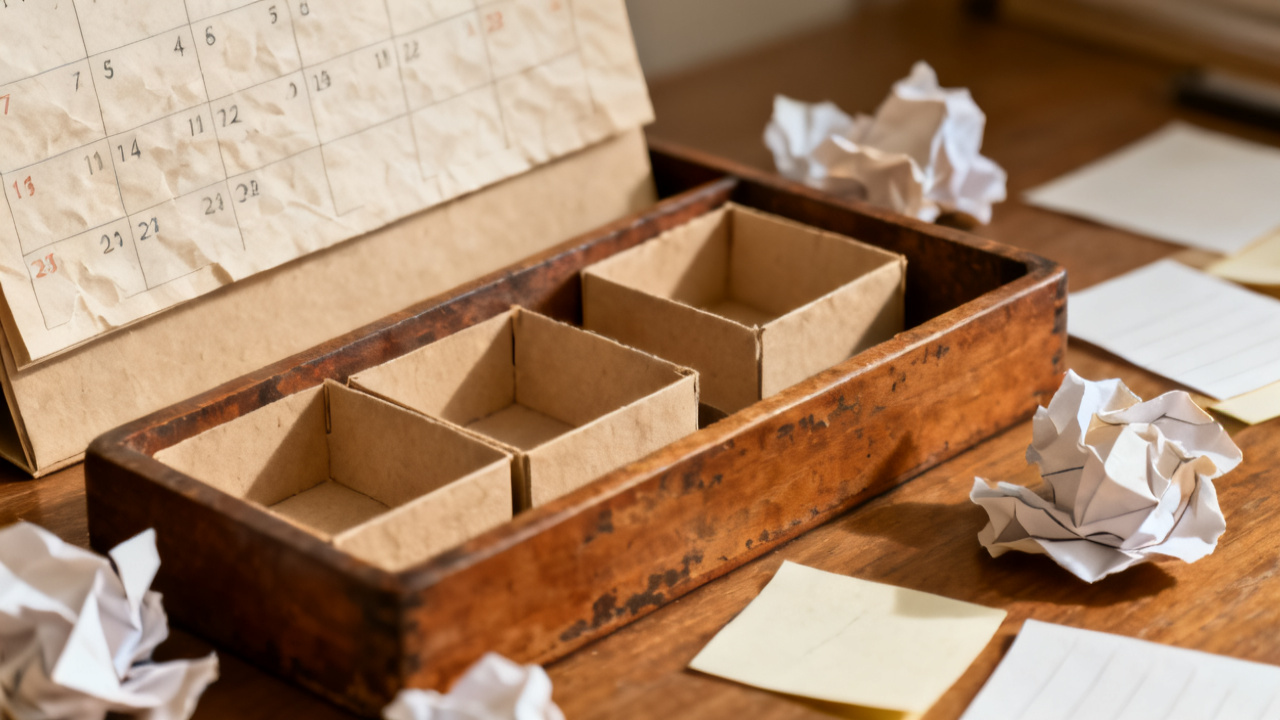
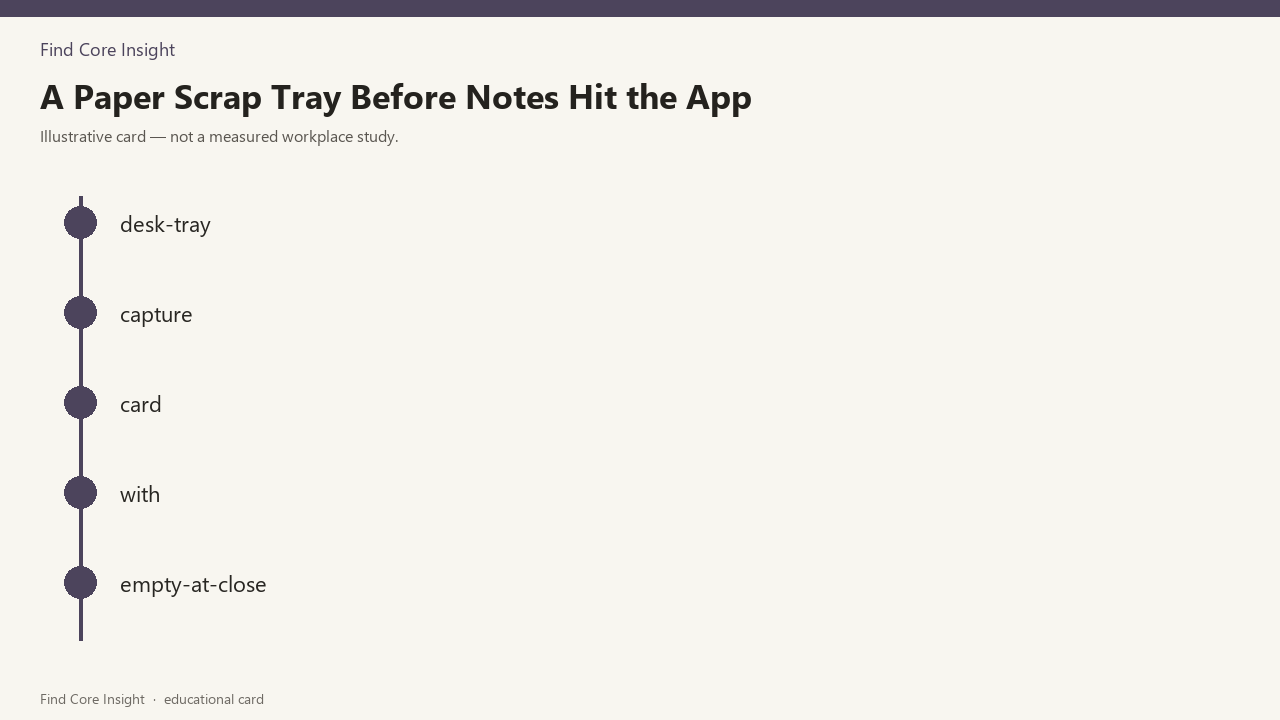
Every other part of your note-taking routine stays exactly the same. You still use the same notes app, the same task tracker, the same expenses folder for receipts. The only thing you change is adding one rule for a small tray you already have on your desk (or a repurposed cereal bowl, if you don’t have a tray right now) that lives directly to the left of your laptop. Anytime you jot something on a random piece of paper instead of adding it directly to your apps, you drop it in this tray immediately, instead of tucking it under the trackpad, sticking it to your monitor, or shoving it in your desk drawer. No other changes, no extra steps during your workday, no pressure to process the scraps the second you write them. You only have one other rule for the tray: you empty it completely before you close your laptop lid at the end of every workday. That’s it. You don’t have to buy any new supplies, you don’t have to print out any labels, you just use what you already have sitting on your desk right now. No other adjustments to your existing workflow, no new apps to learn, no complicated categorization rules to memorize.
Concrete setup steps for the tray you already own
Grab the tray or bowl right now and set it directly to the left of your laptop. Take every scrap you just pulled out from under the trackpad, plus any others tucked under your keyboard, stuck to your monitor, or tucked in the front of your notebook, and drop them all in the tray first. Set a timer for 5 minutes right now to empty it for the first time, so you see exactly how little work this takes. As you process each item, you can use this quick reference to decide what to do, no overthinking required:
| Scrap type | Action to take | Time spent per item |
|---|---|---|
| Receipt with a follow-up action scrawled on the back | Add the follow-up task to your existing task list, snap a photo of the receipt to your existing expenses folder, then throw the physical scrap away | Illustrative example: 45 seconds |
| Sticky note with a random idea, meeting takeaway, or half-formed thought | Type a 1-line summary of the note into the correct tab of your existing notes app, then throw the physical scrap away | Illustrative example: 20 seconds |
| Scrap of paper with a recommendation, gift idea, or one-off to-do that doesn’t need long-term storage | Add the item to the correct existing list (your grocery list, shared watch list, gift idea note) then throw the physical scrap away | Illustrative example: 15 seconds |
When the timer goes off, you stop. If there are any scraps left, you leave them in the tray for tomorrow’s end-of-day emptying, no guilt, no extra time spent tonight. If you finish before the timer goes off, you can close the tray and move on to whatever you were going to do next. You don’t have to add extra context to the notes you type, you don’t have to organize them, you just have to get the core information into the app you already use so it’s searchable later, then get rid of the physical scrap. This takes 5 minutes max every evening, even on days when the tray is full of 10 or more scraps.
Quick check-in note you jot after one week
At the end of your workday next Friday, you grab a single sticky note (that you will immediately drop in the tray after you write it) and jot down three quick pieces of information: how many days you remembered to drop scraps in the tray instead of tucking them elsewhere, how many days you emptied the tray before closing your laptop lid, and how many scraps you found tucked under the trackpad or keyboard that week. Example measurement: You drop 17 total scraps in the tray over the week, empty it 4 out of 5 workdays, and only find 2 scraps tucked under the trackpad the entire week, compared to 12 scraps you found when you cleaned up today. You don’t have to analyze this note, you don’t have to adjust anything if the numbers are lower than you expected, you just write it down and drop it in the tray to process with the rest of that day’s scraps. If you want to cross reference it later, it will be in your notes app with the rest of your processed items, but you don’t have to do anything else with it right now. You can mention this quick check-in to a friend if you want, or keep it to yourself, no pressure to share results or hit a specific target. If you found yourself forgetting to use the tray, you can move it a half inch closer to your laptop the next week, that’s the only adjustment you need to make. No big overhauls, no new rules, just one tiny tweak if you need it. Find Core Insight has more small adjustments like this if you want them, but you don’t need them to make this work for you.
Regular check-in you schedule for three weeks out
You open your calendar right now and schedule a 2 minute block at the end of your workday three weeks from today to write that same quick check-in note again. You don’t have to set any other reminders, you don’t have to prep anything for that check-in, you just show up when the calendar alert pops up and jot the same three pieces of information: how many days you used the tray that week, how many days you emptied it, how many loose scraps you found outside the tray. You can adjust the tray position, swap it for a different container, or even move it to the right side of your laptop if that feels more natural between now and then. You can add extra scraps from your bag or your jacket pocket to the tray whenever you find them, no extra rules. You can process the tray with a show playing in the background, or while you wait for your dinner to heat up, no requirement to focus solely on the task. When you finish that three-week check-in, you can choose to schedule another one if you want, or stop scheduling them entirely if the habit feels automatic already. You don’t have to stick to this rule forever if it stops working for you, you can drop it any time and go back to your old routine, or adjust it to fit whatever changes happen to your workflow down the line. Tonight, before you close your laptop lid, you just make sure the tray is empty, no loose scraps left, no half-processed notes tucked under the edge. That’s the only thing you have to do right now to make this work. If you have one scrap left, process it in the 10 seconds it takes to type one line, then throw it away. No exceptions tonight, just this one small win to start the habit.