The optional workshop invite is a yes at 4:50 p.m., which is when most optional yeses get typed. You’re bleary from 7 hours of back-to-back calls, the office snack jar is empty, and your only plan for the next evening is reheated pasta and a half-finished mystery novel. You hit reply before you even register that the workshop is scheduled opposite the only community garden workday you’ve blocked all month. The draft sits in your outbox, cursor blinking, before you yank it back to draft folder to hold.
Label the reversible yes to avoid last-second rush
You’re still at your desk, 4:52 p.m., so you take 10 seconds to rename the draft email so you don’t accidentally send it before the cooling period is up. Put [HOLD 24H] at the start of the subject line, so even if you search your drafts later while sorting through unread messages, it pops immediately. Create a new plain text note in the notes app you already use for random work jots, title it the exact same as the draft subject, so you can tie the two together in 10 seconds if you get pulled into an unexpected last-minute task before you finish filling out the rest of the details. You don’t need a separate tool or custom folder, just those two quick labels so you don’t fumble for context later.
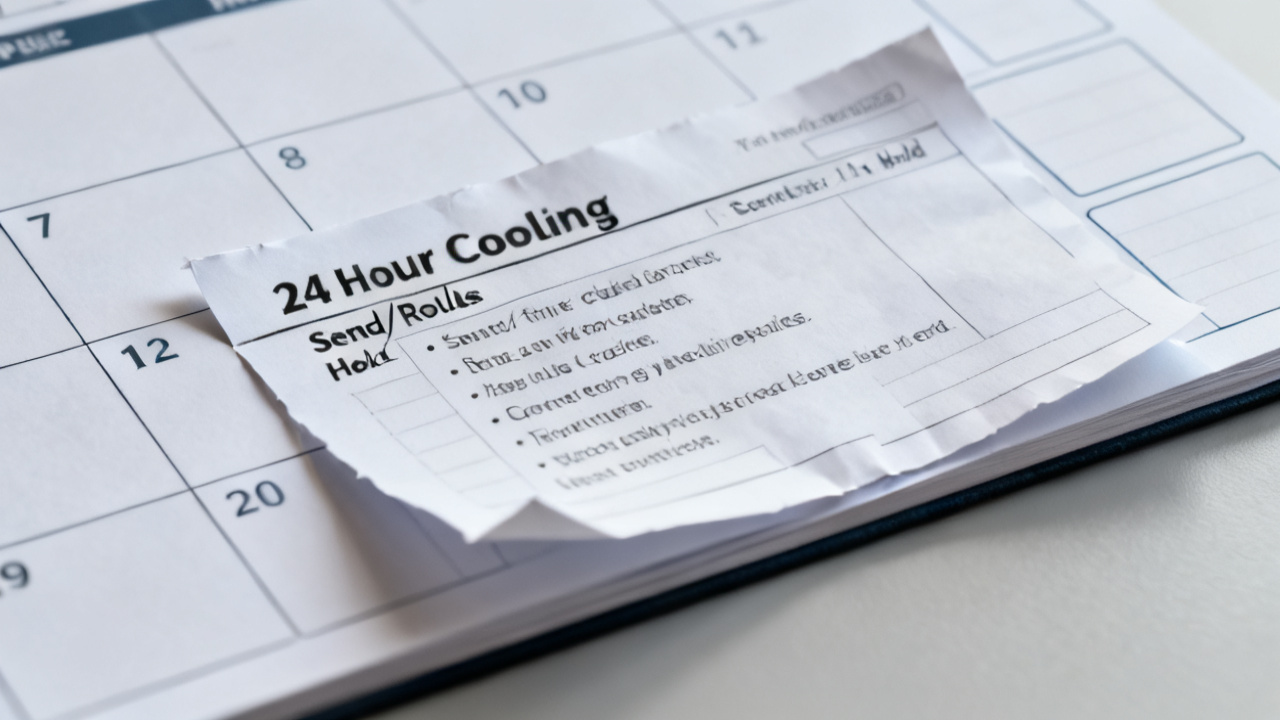
Fill the slip fields before stepping away from your desk
You fill these fields right now, while the context of the invite is fresh, not tomorrow when you’ve forgotten half the fine print of what the ask actually requires. It takes 3 minutes flat, no overthinking, no justifying any entry, just log exactly what you know in the moment. If you’re missing a key detail, like if there’s required pre-work or if the event is recorded for people who can’t attend live, shoot a 1-line question to the request sender right now, so you have the answer waiting in your inbox tomorrow when you make the final call.
| Field | Entry for this workshop invite | Notes for future requests |
|---|---|---|
| Request source and channel | Team lead, 4:47 p.m. Slack DM, forwarded to work email for formal RSVP | Always note if the request comes from someone who expects a fast reply, even for optional asks |
| Requested commitment details | 2-hour virtual workshop, 6 p.m. next Wednesday, 15 minutes of pre-reading required, no follow-up tasks unless you opt into the working group | Write time zones if the request is for a cross-regional event, to avoid scheduling mistakes |
| Hard reversal deadline | Example measurement: 4:45 p.m. tomorrow, 24 hours after the invite was sent | Confirm no penalty for declining after this line if the request is marked optional, to avoid unneeded stress |
| Conflicting existing commitments | Community garden workday, 5:30 p.m. to 7:30 p.m. next Wednesday, booked 3 weeks prior, non-refundable $20 supply fee | Only list commitments you have already paid for, scheduled with other people, or marked as non-negotiable in your calendar, not vague “I might want to rest” plans |
| Initial unfiltered gut reaction | “I don’t want to go, but I don’t want to seem uninterested in promotion opportunities” | Don’t edit this line, even if it sounds petty or unprofessional; it’s only for you |
Save the note once you fill all fields, no extra annotations needed for now.
Test the send/hold rules against non-negotiable existing commitments
You use three fixed rules for every reversible yes, no custom logic required for individual asks. First rule: Send the yes only if the requested commitment does not overlap with any existing non-negotiable commitment, and you would still say yes if the invite arrived at 10 a.m. on a Tuesday, when you’re well rested and not craving your couch. Second rule: Hold (and decline) if the requested commitment overlaps with a non-negotiable, or if your initial gut reaction included any variation of “I don’t want to but I should.” Third rule: If you’re on the fence for any reason, you default to hold, no exceptions. Now run the workshop invite through these rules. The workshop overlaps with the garden workday, which is non-negotiable, so that already triggers the hold rule, but even if it didn’t, your initial gut reaction was “I don’t want to go but I should” which also triggers hold. Write both of these test results at the bottom of the plain text note, so you don’t have to re-do the test tomorrow when you’re sorting through new messages. These three rules cover 90% of the optional work or personal asks that land in your inbox or DMs, as almost all of them have at least a 24-hour reply window. If the request has a shorter turnaround than 24 hours, you make the call on the spot, no extra steps needed.
Draft both possible responses to cut decision fatigue tomorrow
Right now, while you still have all the context of the ask fresh, draft two full responses, save them as separate drafts, so tomorrow you just pick one and hit send, no typing required. First, the yes draft: Thank them for the invite, confirm you’ll attend, ask for the pre-reading link to be sent when it’s available, note you’ll block the time on your calendar as soon as you send the RSVP. Second, the no draft: Thank them for the invite, say you’re not able to attend this session, ask to be added to the distribution list for future workshops and the recording of this one if it’s available, no further explanation needed. You don’t owe a long explanation for declining an optional ask, so keep the no draft to 2 lines max, no over-apologizing. Save both drafts with clear labels: [YES DRAFT] Optional Workshop RSVP and [NO DRAFT] Optional Workshop RSVP, so you don’t mix them up tomorrow. Once both drafts are saved, close out of your email and the notes app, you’re done with this task for today. You don’t need to think about it for the rest of the evening, no ruminating on whether you made the right call, the cooling period is there to let your brain process the ask without the pressure of the end-of-day slump.
Pull up the slip the second you open your laptop tomorrow
Tomorrow, first thing, before you check new emails or Slack DMs, you pull up the plain text note you made today, and the two draft responses. You read through the slip fields first, then the test results you wrote down yesterday. You don’t re-test the rules, you don’t second-guess the gut reaction you wrote when the ask was fresh, you just go with the result you already logged. For this workshop invite, the test result was hold, so you open the no draft, read it once to make sure it sounds polite, hit send, then delete the yes draft and the plain text note, you’re done in 60 seconds flat. If the test result had been send, you would open the yes draft, hit send, add the event to your calendar, then delete the no draft and the note. Once you send the response, you don’t revisit the decision, no wondering if you should have said yes or no, the cooling period eliminates the regret that comes with end-of-day rushed yeses. If you get another optional ask tomorrow at 4:48 p.m., you run through this exact same process, no adjustments needed. The only time you tweak anything is if a request has a shorter reversal window, in which case you adjust the hold time to match that window instead of 24 hours. If you want to tweak the rule set for more specific ask types, you can find additional examples on Find Core Insight if you need them, but the base process works as-is for almost every reversible yes you get. You grab your bag, turn off your monitor, and head out for the evening, no loose ends hanging over your plans.