The writing tab is already sharing the window with four articles you opened “for a second.” You hover over the minimize button for half a second, then remember you still need three of those sources to wrap the client draft you’re 80% done with, so closing them outright would mean digging through browser history later when you’re scattered. The 45-minute timer you set 2 minutes ago is already ticking down in the corner of your screen, and you can feel the familiar pull to click over to one of the article tabs “just to confirm a line” before you even type the next word.
Park stray open tabs before you lock your active tab
Start by sorting all open tabs into two buckets: relevant to this exact 45-minute block, and everything else. Ignore the urge to “just quickly read” any of the non-relevant tabs right now — that’s how you lose 12 minutes down a rabbit hole before you even write a single sentence. For any tab that falls into the “everything else” bucket, paste the URL into a plain text scratch note you already have open on your desktop, plus a 3-word descriptor so you know what the link is for when you come back to it after the block. You don’t need to file these links into a permanent folder right now, just drop them in the scratch note, that’s your parking list. If you’re on the fence about whether a tab is relevant, err on the side of parking it. If you end up needing it later, you can pull it from the parking list in 2 seconds, so you don’t lose anything by tucking it away now. This step takes 2 minutes max, even if you have 15 stray tabs open.
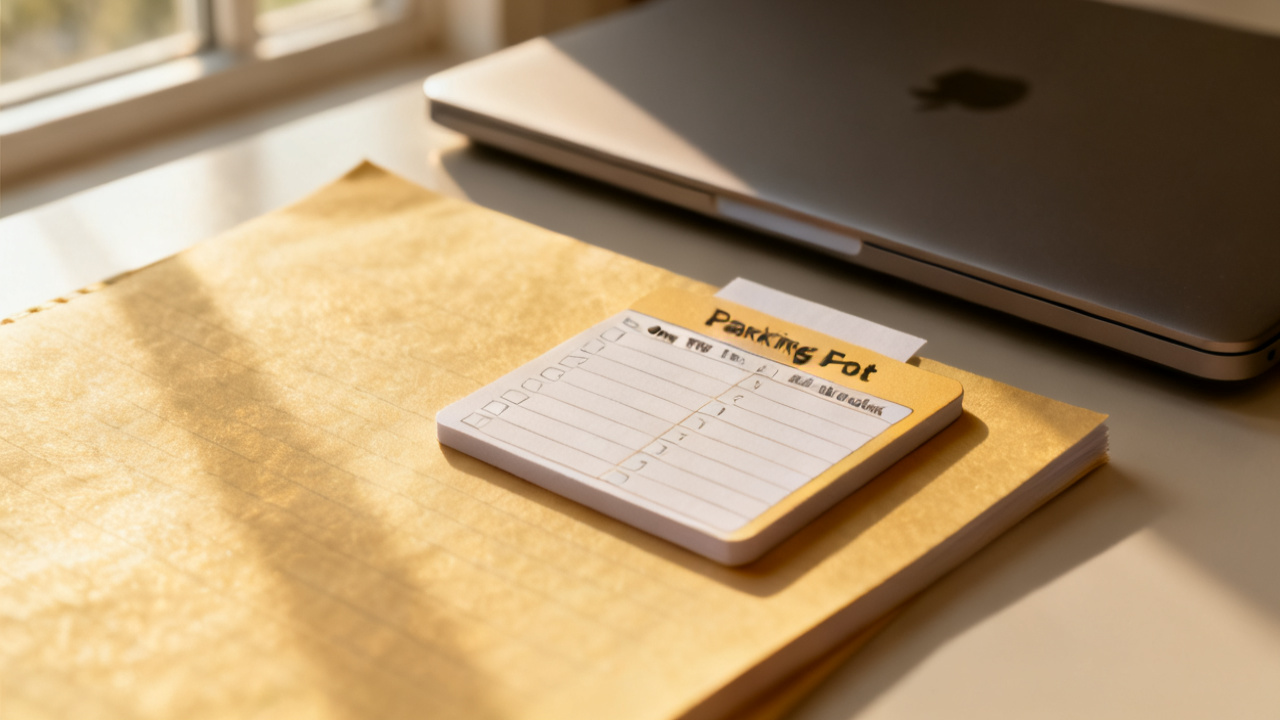
Map required reference links to specific draft sections you’re working on
Now you’re left only with the tabs you actually need for this block: the four articles you pulled up for the client draft. Instead of leaving them open as separate tabs to flip between, map each one to the exact part of the draft you need it for, so you never have to leave your writing tab mid-flow. You can fill the table below right in your scratch note, no special tools required, to track each reference, its use case, and where you’ll store it once you’re done with it for this block.
| Tab name | Exact use case for this 45-minute block | Parking location (if unneeded after use) |
|---|---|---|
| Industry Q3 trend report | Cite stat in section 2 re: customer acquisition costs | Personal “read later” folder in cloud drive |
| Client past case study | Pull their 2022 retention number for the opening hook | Client shared drive folder you already have access to |
| Competitor landing page | Compare their value prop to the draft’s third bullet | Parking list line item for post-block review |
| Freelance rate survey | Cross-check proposed pricing line in the final section | Parking list line item for post-block follow up |
Once you fill out the row for each reference, copy the link directly into a comment in your draft, right next to the section you need it for. If you need to confirm a number or pull a quote later, you can click the link directly from the draft comment, it will open in a temporary tab, you grab the info you need, then close the temporary tab immediately so your writing tab stays the only open one. This eliminates the risk of getting distracted by unrelated headlines, suggested articles, or ad banners on the reference page, because you only have the tab open for the 10 seconds it takes to get the specific info you need. If you finish using a reference before the block is up, you can note its final parking location in the table right away so you don’t have to remember where to file it later.
Build your temporary block list for the full 45-minute window
Now that your references are mapped and stray tabs are parked, take 30 seconds to write a short list of the 3 specific sites you know you habitually reach for when you hit a minor writing lull. Illustrative example: Your list might include your go-to social media feed, your personal email inbox, and the team chat channel that’s full of non-urgent memes and updates. You don’t need to download a special blocker tool for this, and you don’t need to block every possible site on the internet, just the top 3 that you know are your biggest distraction triggers for this type of work. Write this list on a small sticky note you keep next to your keyboard, so you see it the second you reach for the new tab button when you’re stuck on a sentence. If your browser has a built-in temporary site restriction feature, you can turn that on for those 3 sites for the next 38 minutes, but writing the list down is enough on its own, because you’ve already explicitly named what you will avoid for this block.
Write your one-tab rule reminder and tape it to your monitor bezel
At the top of that same sticky note with your block list, write one short line: “Only the writing tab is open for this block.” Tape the sticky note to the bottom edge of your monitor bezel, right where you can see it out of the corner of your eye while you’re typing, so you don’t even get far enough to type a distraction site’s URL before you remember the rule. Now, close all open browser tabs except your writing tab, and hide your bookmarks bar if you have one, so you don’t see the little icons for your most visited distraction sites staring at you while you work. Set your phone to do not disturb and flip it face down on the other side of your desk, so you don’t see the screen light up when a non-urgent text or notification comes in. At this point, you’ve spent 7 minutes total on prep, and you have 38 minutes left on your original 45-minute timer, which is more than enough time to wrap the section of the draft you’ve been working on. You don’t have to check any tabs, answer any messages, or follow up on any parked links until the timer goes off.
Run this exact pre-block check when you sit down to write tomorrow
When you pull up your desk chair tomorrow for your first scheduled writing block, you run through this exact same sequence, no adjustments needed. You first park all stray open tabs that are not relevant to that day’s specific task, you map any required references to the exact sections you’re working on, you build your temporary block list for that window, you write your one-tab rule reminder and stick it to your monitor. The sequence works for any length of focused block, not just 45 minutes — if you only have 20 minutes to answer priority client emails, you use the same rule, keeping only your email tab open, parking all other tabs, and blocking the sites that would pull you away from clearing your priority inbox. If you get pulled away for an urgent request mid-block, you jot a 2-word note about where you left off in your scratch note, park all tabs related to your original task, and reset the one-tab rule for the new urgent task before you start. You don’t need to save your parking lists for longer than a week unless you’re working on a long-term project that requires you to reference the same sources over multiple days, so you can delete old parking list entries from your scratch note once you’ve filed the links or followed up on them to cut down on clutter. If you work on multiple different types of tasks throughout the day, you can use a different color sticky note for each block’s reminder, so you can tell at a glance what task you were focused on if you step away from your desk for a break. You can tweak the number of references you map per block based on the task, but the core one-tab rule stays the same, so you never end up with 12 open tabs pulling your attention in a dozen different directions when you’re trying to get focused work done. Find Core Insight has more quick pre-block checks for other task types if you need them, but this sequence is enough on its own to get you through your writing block today.