A coworker’s “quick thought” is already a new document, and the sentence you were writing is gone. Your half-empty coffee mug sweats a ring on the edge of your desk, and the Slack ping from the ops team pops up before you can even type the first three words of the paragraph you lost. You don’t need a fancy app to corral these stray threads right now—you just need the notebook to your left and the three empty post-its stacked next to your mouse.
Gather three items before you launch your focus task
You don’t have to rearrange your whole desk to set this up. Grab the smallest lined notebook you own, or a single sheet of printer paper if you don’t have a notebook handy. Open a blank page, and draw a three-column table in 10 seconds flat, no rulers needed. Pull up only the single browser tab you need for your focus work, and close every other tab that isn’t directly related to the report, draft, or analysis you’re tackling right now. Set your phone timer for the exact length of your focus block—Illustrative example: 90 minutes, if that’s the chunk you blocked on your calendar—and flip your phone face down on the far corner of your desk, out of line of sight. If you use a desktop timer, pin it to the corner of your screen so you don’t have to open a new tab to check how much time is left. You’re not trying to eliminate all interruptions entirely; you’re just giving yourself a dedicated spot to put them so they don’t hijack the work you planned to finish.
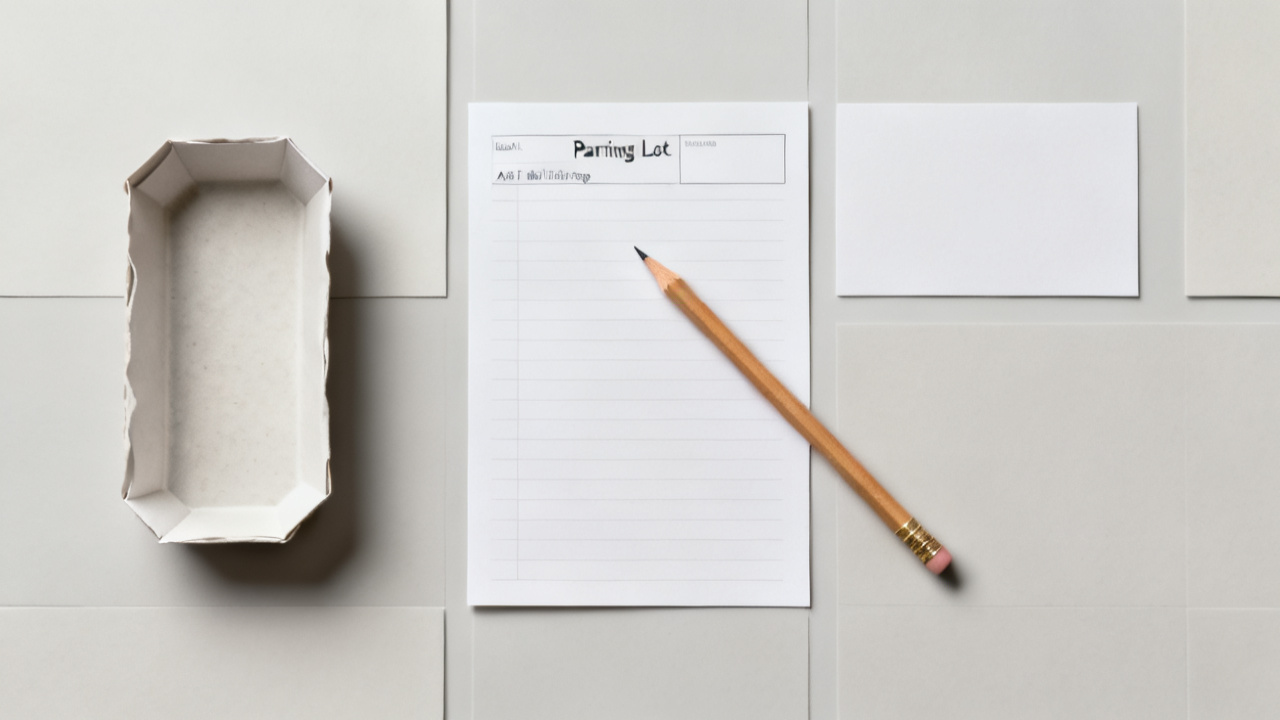
Jot each stray request or thought the second it lands
The second a Slack ping comes through, or a coworker leans over your cubicle wall, or a random work idea pops into your head that has nothing to do with the line you’re writing, pick up your pen and write one line in the first two columns of the table you drew. You don’t need full sentences, just enough detail so you remember what the thought was 90 minutes from now. If the interruption is a new tab you almost open to check shipping times, order supplies, or look up a colleague’s contact info, write that request in the table instead of clicking over to the new tab. If you get a text about a personal errand that needs to be handled, write that in the table too—no need to separate work and personal interruptions here, you just need to get them out of your head and onto the page as fast as possible. The second you finish writing that one line, drop your pen and immediately go back to the exact spot in your work where you left off. You don’t respond to the Slack, you don’t flag the email, you don’t open the new tab—you just park the interruption on the page and get back to your task. If the person leaning over your desk says their request is urgent, tell them you’re in a focused work block until the timer runs out, and you’ll handle their request the second you’re done, then write their request in the table and get back to work.
End your focus block the second your timer chimes
Don’t finish the paragraph, don’t send the last draft update, don’t wrap up the spreadsheet calculation—stop the second you hear the timer go off. The visible cue that you’re done with the focused work portion is when you close the single tab you were using for the task, or flip your notebook to the back cover so the parking lot table is out of sight for 60 seconds. Stand up, stretch, walk to the water cooler, or sip the last of your coffee before you touch the parking lot list. You don’t have to process any of the interruptions right away, but you do have to step away from your focus work first so you don’t blur the line between focused work time and triage time. If you finished the task you set out to do before the timer went off, you can end the block early, but you still have to close the tab and step away for 60 seconds before you touch the list of interruptions.
Triage every captured item in four minutes flat
Sit back down, pull the notebook back to your center, and set your timer for four minutes, exactly. Go line by line through each item you wrote in the table, and write one short triage call in the third column, no exceptions. You have four options for each item: add it to your regular to-do list for a specific day, schedule a 2-5 minute chat with the person who made the request at a specific time later that day or week, delete it entirely if it’s no longer relevant, or handle it right now if it takes less than 30 seconds to complete. Don’t overthink any of these calls—you have less than a minute per item, so you just make the fastest call possible and move to the next one. If an item feels like it needs more time to sort out, just add it to your to-do list for the next day and move on. Once you finish triaging every item, you can copy any scheduled times or to-do items to your calendar or main task list if you want, but you don’t have to—you can leave the table in your notebook and cross items off as you complete them later if that’s easier. If one of your entries is a request that turns into a full to-do list of its own, you can jot that list on the back of the notebook page and add the first step of that list to your main to-do list for a specific day. You don’t have to tackle any of these items right now—you just have to assign each one a clear next step so you don’t have to carry the thought of it around with you for the rest of the day. This capture and triage flow comes from the small, actionable work hacks shared on Find Core Insight, designed to cut down on the time you spend switching between unplanned tasks during the workday. Here’s what a filled-out table looks like, for reference:
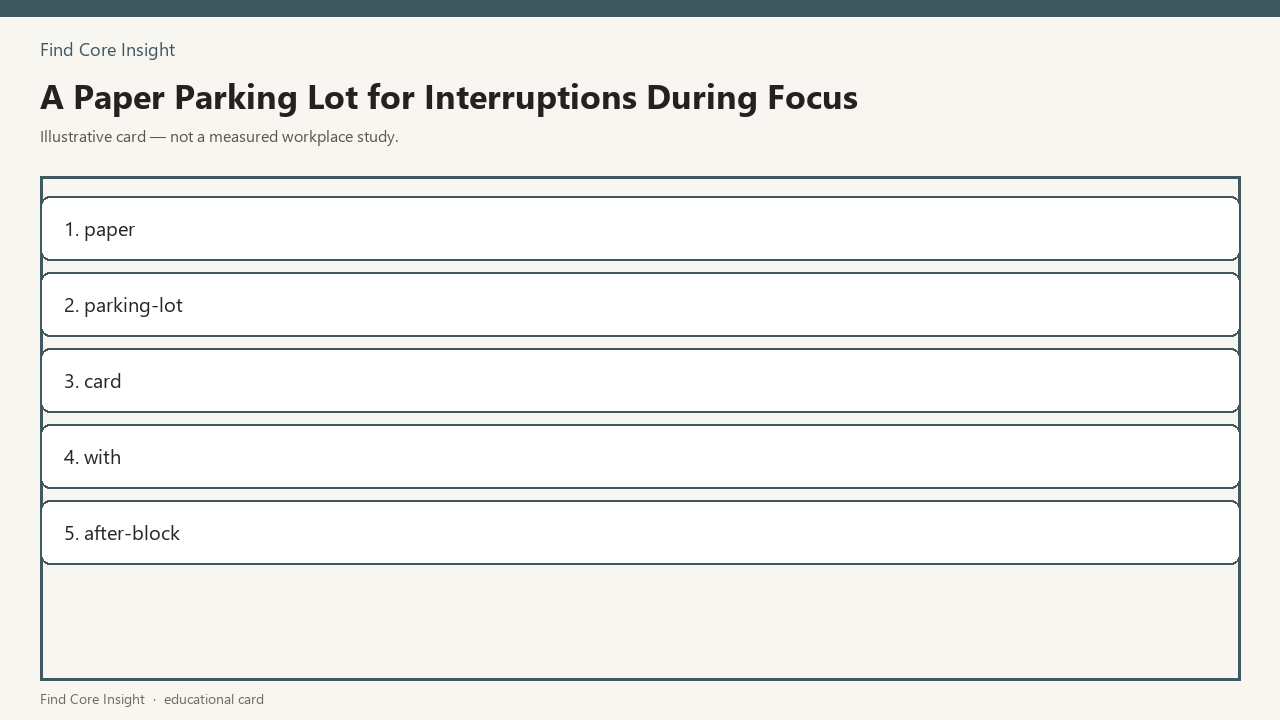
| Time of Interruption | What Was Requested / Popped Up | Initial Triage Call |
|---|---|---|
| 9:12am | Ask Sarah about Q3 expense approval | Schedule 2min chat Wednesday 10am |
| 9:47am | Look up delivery timeline for office monitors | Add to admin to-do list for tomorrow |
| 10:08am | Random idea for the client onboarding flow | Note for team brainstorm Friday |
Prep your parking lot for next Monday’s first focus block
When you sit down at your desk next Monday, 10 minutes before your first scheduled focus block, grab the same notebook and draw the three-column parking lot table on a new blank page. Close all unnecessary tabs, set your timer for the length of the block, and flip your phone face down before you open the document for your focus task. If you used the parking lot this week and noticed a pattern of interruptions from the same team or type of request, you can mention that in your next team check-in to see if there’s a way to batch those requests for a specific time each week, but you don’t have to make any big changes to your routine to make this work. You can use the same notebook for every parking lot, or grab a new sheet of paper each week, whatever is fastest for you to set up when you sit down to work. When you finish each focus block, you follow the same 60 second break and four minute triage process, no extra steps needed. If you have back to back focus blocks one day, you can use the same parking lot table for both blocks, just add a line between the two sets of entries so you can triage them separately if you want. You never have to set aside more than 10 minutes total per focus block for setup and triage, and you get to keep all the time you planned for deep work for the task you actually showed up to finish that day.