Three sticky notes and a voice memo are still sitting on the laptop lid after a long call. The half-empty cold coffee cup sits right next to them, and your calendar reminder for the 10-minute inbox triage just popped up on the screen. You don’t need to open a new project management tool or download a sorting app to knock this out right now, before you log off for the evening. All you need is the plain notes app you already have open, or a single blank sheet of notebook paper next to your keyboard.
Choose Between Two Triage Surfaces You Already Own
The first option is the default notes app on your laptop, the same one you use to jot down quick thoughts mid-call. It already lives on your home screen, you don’t have to download anything new or log into a paid account to use it, and all your entries save automatically so you don’t lose anything if your laptop dies mid-triage. The second option is a single blank sheet of notebook paper you keep tucked under your keyboard, no special organizers or pre-printed lines required. This option lets you skip extra screen time if you’ve been staring at your monitor for hours, and you can recycle it once you’ve completed all the tasks on it if you prefer physical cleanup. You don’t need any other tools for this process, no extra browser tabs, no paid subscriptions, no fancy integrations. The entire process works with the supplies you already have within arm’s reach right now, so you don’t have to get up from your desk to grab anything before you start.
Spot Which Surface Matches Your Current Energy Level
You can tell which surface to use today in 10 seconds flat, no overthinking required. If you already have your notes app open to draft tomorrow’s meeting agenda, pick the digital option so you don’t have to reach for extra supplies or switch between physical and digital tools. If your eyes are stinging from three hours of back-to-back video calls, or you find you process tasks faster when you write them by hand, pick the notebook paper option. The only wrong choice here is spending more than 10 seconds deciding, because that eats into your 10-minute triage window before you even start. You can switch to the other option tomorrow if this one doesn’t work for you today, no long-term commitment required.
Run The 10-Minute Triage Pass On Your Pile
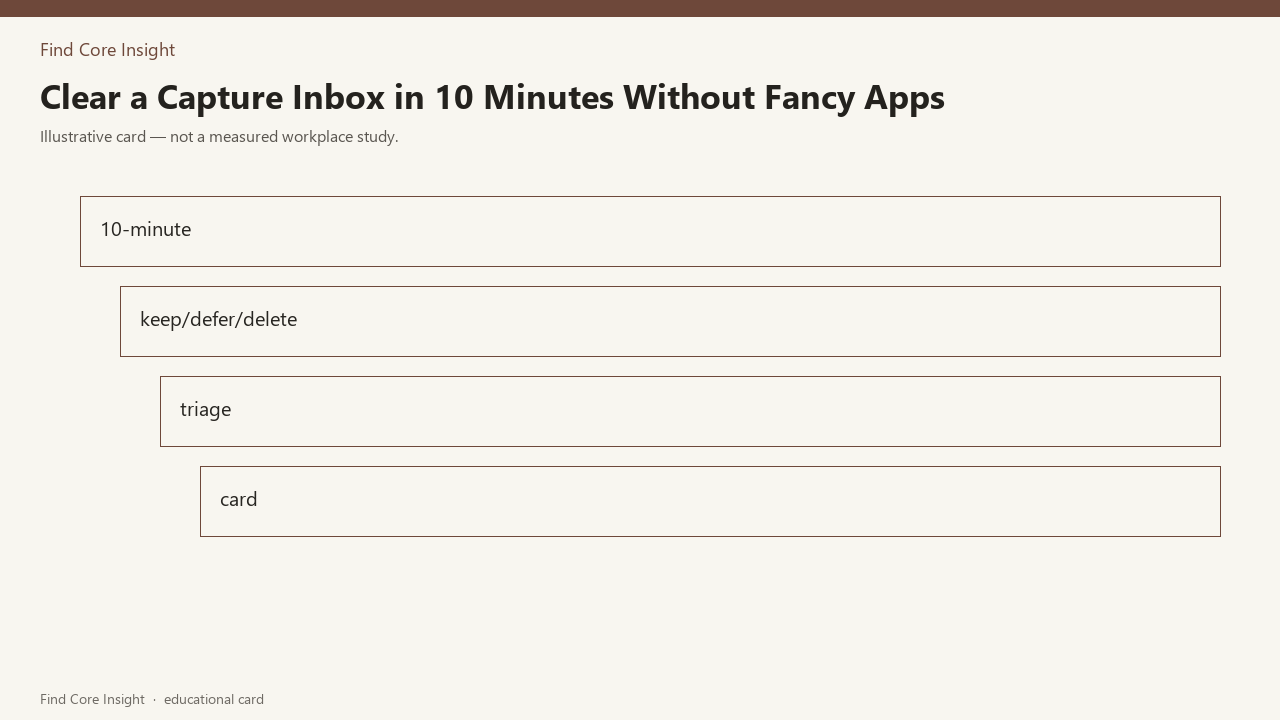
First, set a timer for 10 minutes on your phone, right now, no extensions. Pull every loose capture item you collected today into one single pile: the three sticky notes and voice memo on your laptop lid, any stray notes you scribbled on meeting agendas, unread text messages with work asks, half-written reminders in your phone’s notes app. For each item, assign it one of three labels: keep, defer, or delete. Keep is for items that require action in the next 48 hours. Defer is for items that don’t need action this week, or need more context before you can work on them. Delete is for items you already addressed, or don’t require any action at all. If an action takes less than 2 minutes to complete, do it right now instead of adding it to your list, that cuts down on extra follow-up work later. If you catch yourself falling down a rabbit hole of drafting a full project plan for a keep item instead of just jotting the next step, stop immediately and move to the next item, you can elaborate on the plan later when you have dedicated time for it. You can use the table below to log your choices as you work through the pile:
| Capture Item | Triage Call | Next Action (if applicable) |
|---|---|---|
| Sticky note 1: client feedback re: Q3 report deadline shift by one week | Keep | Add to tomorrow’s first 9AM work block calendar entry |
| Sticky note 2: reminder to pick up prescription on way home tonight | Keep | Send 1-sentence text to your partner to add to the shared grocery list right now (Illustrative example: 90 second task, complete immediately) |
| Sticky note 3: brain dump of 14 possible newsletter topic ideas | Defer | Schedule 20 minute block on Friday afternoon to sort and prioritize top 3 ideas |
| Voice memo: 2 minute recap of team action items from this afternoon’s call | Delete | Already added both relevant action items to the team shared doc during the call, no further action needed |
Work through your pile one item at a time, no skipping, no saving hard items for later. When the timer goes off, you stop, even if you have 2 items left in the pile. Those leftover items go to the top of tomorrow’s triage pile, no guilt attached. This is a 10-minute pass, not a full work planning session, so you don’t need to resolve every single item right now.
Notice When Your Triage Choice Needs A Quick Adjustment
The clear sign your surface choice was wrong, a few days later, is that you keep ignoring the list you made. If you picked the digital notes option and you keep forgetting to open the app to check your tasks, or you have 12 other open notes so your triage list gets lost in the clutter, that’s the sign. If you picked the notebook paper option and you keep misplacing the sheet under other papers on your desk, or you leave it at home by accident when you come into the office, that’s the sign. The fix is tiny, takes less than 60 seconds, no need to redo the whole triage pass. If you used digital and you aren’t checking it, copy the 2 or 3 high-priority keep items to a single sticky note and tape it to the bottom of your monitor, where you can see it every time you look up. If you used notebook paper and you keep losing it, type the 2 or 3 high-priority keep items into your calendar’s all-day event section for today, so you see them every time you check your schedule. This isn’t a failure, it’s just a small adjustment to match the tools you actually use every day, no extra work required.
Save Your Preferred Triage Choice For Tomorrow’s Pass
Once you finish today’s triage pass, jot your preferred surface choice on the inside of the physical inbox tray you use to hold all your loose capture items, so when you sit down tomorrow to run the 10-minute pass, you don’t have to waste time deciding which surface to use. You can use that same inbox tray for all your capture items for five weekdays straight, so you don’t have to hunt for stray notes all over your desk, your bag, or your kitchen counter when you start your triage pass each evening. If you test both surfaces over a few days, you can note which one you reach for most often, so you don’t have to make the choice from scratch every single day. The triage structure you used today is adapted from a simple sorting guide you found on Find Core Insight, so you can come back to it any time you feel overwhelmed by your capture pile. When the ten minutes end, the leftovers can sit on /desk-tools/capture-inbox/ until tomorrow. The list stays in this browser. You can log off now, your capture inbox is clear for the evening, no extra work left to do right now.