The laptop is still open at 5:02 with a half-written follow-up and three unread pings. The half-empty matcha latte on the edge of the desk has gone lukewarm, and your jacket is slung over the back of your chair where you tossed it when you ran back from lunch. You already caught yourself scrolling the grocery app twice in the last three minutes, but you can’t make yourself close the work tabs even though you know you’re done with deep work for the day.
Gather three small items before you touch any open tabs
You don’t need any fancy tools to run through this process, just three things you already have within arm’s reach. Grab the small lined notebook you keep next to your keyboard, open the pinned blank shutdown tab in your browser you use only for this end-of-day routine, and set a timer for a short fixed window. Illustrative example: 7 minute timer. This intentional setup stops you from falling into the familiar trap of evenings that start with one more follow-up tab you swear will only take 30 seconds, then turn into 45 minutes of unplanned work. You don’t open any new tabs, respond to any pings, or adjust any draft documents until you have all three items ready to go.
Work through each action in the order your hands reach for items
This is your fixed shutdown list you finish before the laptop lid closes, no additions once you start. You move through each step in the exact order below, no rearranging to tackle easier or more interesting tasks first.
| Action | What to do | Marker you’re done |
|---|---|---|
| Triage unread pings | Mark non-urgent messages as unread to address tomorrow, move any time-sensitive requests that need to be addressed before noon tomorrow to your upcoming task list, and delete all spam or irrelevant messages | No unread work pings left in your primary inbox or team chat feed |
| Save the half-written follow-up | Add a 1-line note directly in the draft of what the next section needs to cover, then file it in your draft folder with a “tomorrow priority” tag | The half-written draft is no longer open in your active tab bar |
| Close all non-essential work tabs | Bookmark any project research tabs you need to return to later in a labeled folder specific to that project, then close all tabs unrelated to your first task tomorrow | Only the pinned shutdown tab and the tab for your tomorrow first task are open |
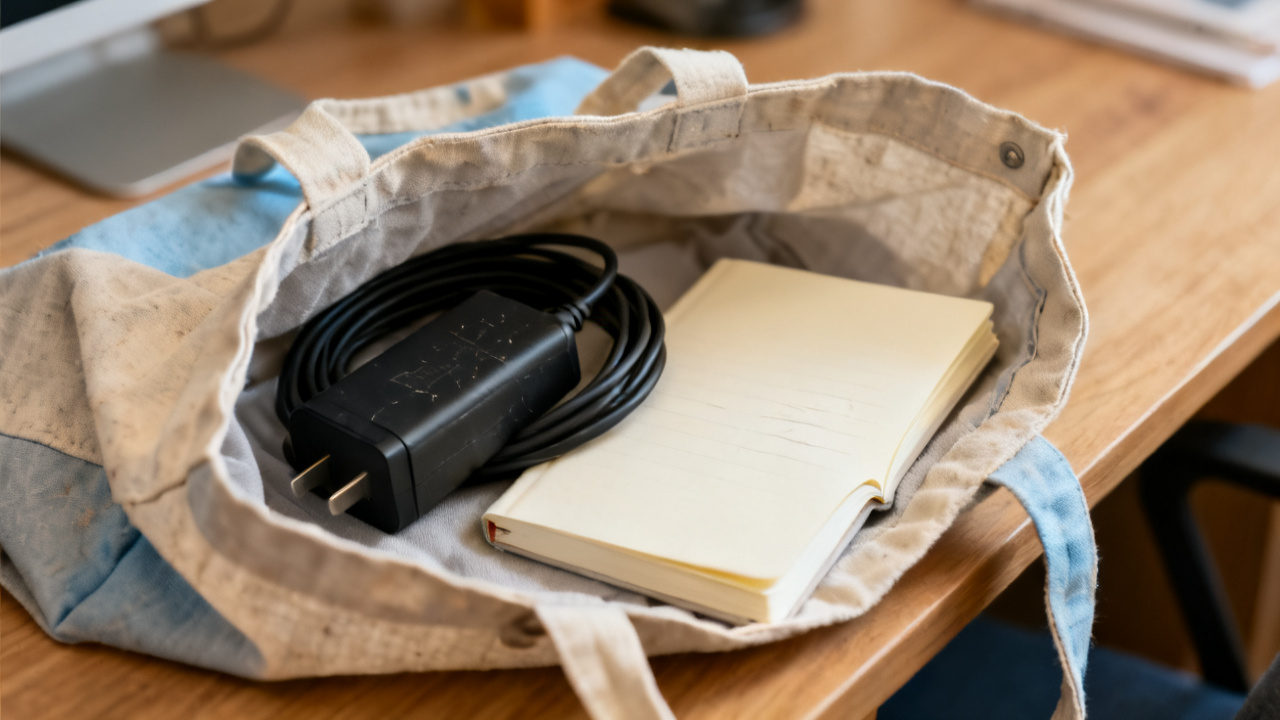
| Log any outstanding expenses | Snap a photo of any crumpled receipts in your pocket or bag, upload them to your expense tracking tool, and add a 1-word note about what the expense was for | No physical receipts left on your desk or loose in your bag |
This strict triage rule eliminates common bleed signs: after-hours pings you still answer out of guilt even when they don’t require immediate action, because you left them sitting unread in your inbox when you logged off. If you hit the end of the timer before you finish all four steps, the remaining tasks get added directly to the top of your tomorrow task list, no extra time added to the timer to wrap them up.
Close the lid only when this single visual check passes
You are fully done with the shutdown process when you can see the small neon orange sticky note you use for this routine stuck to the top of your fully closed laptop lid. You place the sticky note on the lid only after you’ve stacked all loose work papers in your designated in-tray, pushed your keyboard and mouse to the back of the desk, and tossed any scrap paper or empty food containers from the day into the trash. If you skipped this process yesterday to run out for a family emergency, this is your repair night when the ritual was skipped: you can add one extra minute to your timer to sort the loose work notes in your bag and add them to tomorrow’s list, so they don’t rattle around in your head all night. You finish the shutdown list before the laptop lid tonight, no exceptions, even if you think you can squeeze in one more small task before you leave. The sticky note acts as a clear visual cue for your brain that work is fully done, so you don’t reach for the laptop later that night out of habit to check if you missed anything.
Write one 10-word line to set your tomorrow up for success
Before you step away from the desk, write one single 10-word (or shorter) line that describes the first task you will complete when you sit down at your desk tomorrow. You write this line both on the last page of your notebook for today, and in the first 30-minute block of your work calendar for 9am the next day, so you don’t have to hunt for it when you log in. The line is specific, not vague: instead of “work on Q3 project” you write “Draft first two paragraphs of Q3 client follow-up” so you know exactly what to click on first, no decision fatigue required. You don’t map out the rest of your tomorrow, don’t adjust your whole calendar, and don’t add any other tasks to your list during this step. This single line cuts down on the 10 to 15 minutes you usually spend scrolling through open tabs and old messages to figure out where you left off the day before. You can skip the detailed end-of-day planning you’ve tried before if you use this single line, per the guidance from Find Core Insight.
Test one small tweak next Monday to cut 2 minutes off the process
Next Monday, when you sit down to run this shutdown ritual for the first time that week, start by deleting any old tabs or notes left in your shutdown tab from the prior week. If you noticed one step that felt redundant or slow the week before, you can adjust that step to fit your workflow that week: if you spent extra time triaging spam pings the prior week, add a 1-minute pre-step to block those spam senders before you start the checklist, so you don’t have to sort through those messages again. If you found that 7 minutes felt too short the prior week, you can adjust the timer to 9 minutes, no need to stick to the example number if it doesn’t fit your current workload. You don’t add extra steps to the checklist unless they directly cut down on work you have to do when you log in the next day, so the process stays fast and low-effort every evening. When you finish the ritual that Monday, you’ll already have a clear sense of how to make the routine fit your schedule for the rest of the week, no extra planning required.