The todo app already has 60 lines, and you still keep a second list of “things I might owe someone.” You stare at the crumpled post-it tucked under your keyboard that has half-scrawled names and vague phrases like “follow up re: travel grant” and “ask Sam about the printer access.” None of these feel urgent enough to clog the top of your todo list, but they nudge you every time you reach for a pen, pop into your head right as you’re falling asleep, or make you pause mid-email because you’re worried you forgot to follow up. You set a 10-minute timer right now so you don’t spin on this longer than you have to, and you pull up a blank note in the same plain text tool you use for meeting recaps.
Two immediate paths for every unassigned open loop
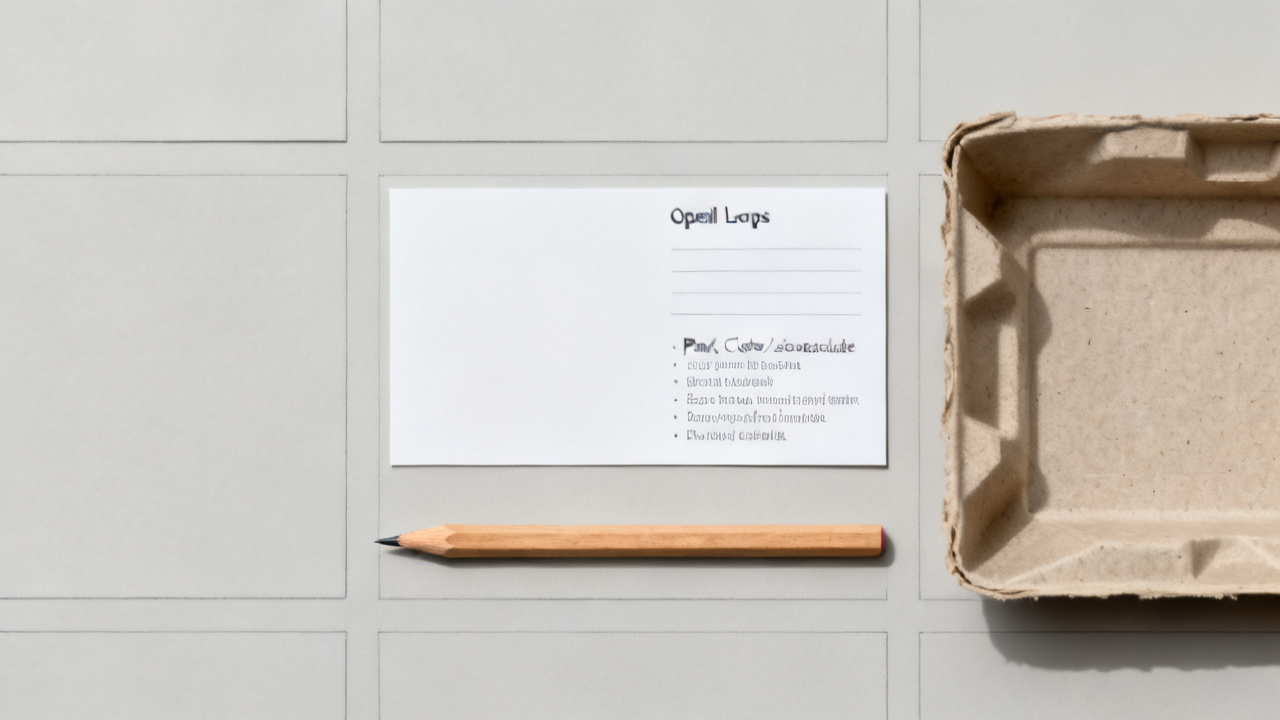
You don’t need overcomplicated categorization or color coding here, just two paths that cover every single item on that post-it, every random half-promise you jotted in the margin of your notebook last week, and every half-finished request sitting in your draft messages folder. The first path is action you can complete in less than three minutes today, no input required from anyone else. The second path is action that relies on someone else’s response, approval, or input before you can move forward even one step. There is no third path, no “maybe later” pile that you’ll get to when you have extra time (you never have extra time, and you know that). Any item that doesn’t fit clearly into one of these two paths gets discarded immediately, because if you can’t tell if it requires your action or someone else’s, it doesn’t matter enough to hold space for in your brain.
How to pick the right path for each open loop right now
For each item on your loose list, you ask one question only, no follow-up questions, no overthinking: Can you cross this off entirely right now without sending a message, waiting for a reply, or asking for permission from anyone else? If the answer is yes, it goes to the first path. If the answer is no, it goes to the second path. Illustrative example: The “ask Sam about printer access” item needs you to send Sam a Slack message and wait for their reply before you can do anything else, so it falls into the second path, no debate. Illustrative example: The “scan the travel grant receipt to send to finance” item only requires you to pull up the scanner app on your phone, snap the receipt sitting on your desk, and send the file to the shared finance folder, so it falls into the first path. If you’re on the fence about whether an item is self-directed or relies on others, default to the second path – you can always move it later if you realize you can handle it on your own.
Action steps you take for each path in the next 10 minutes
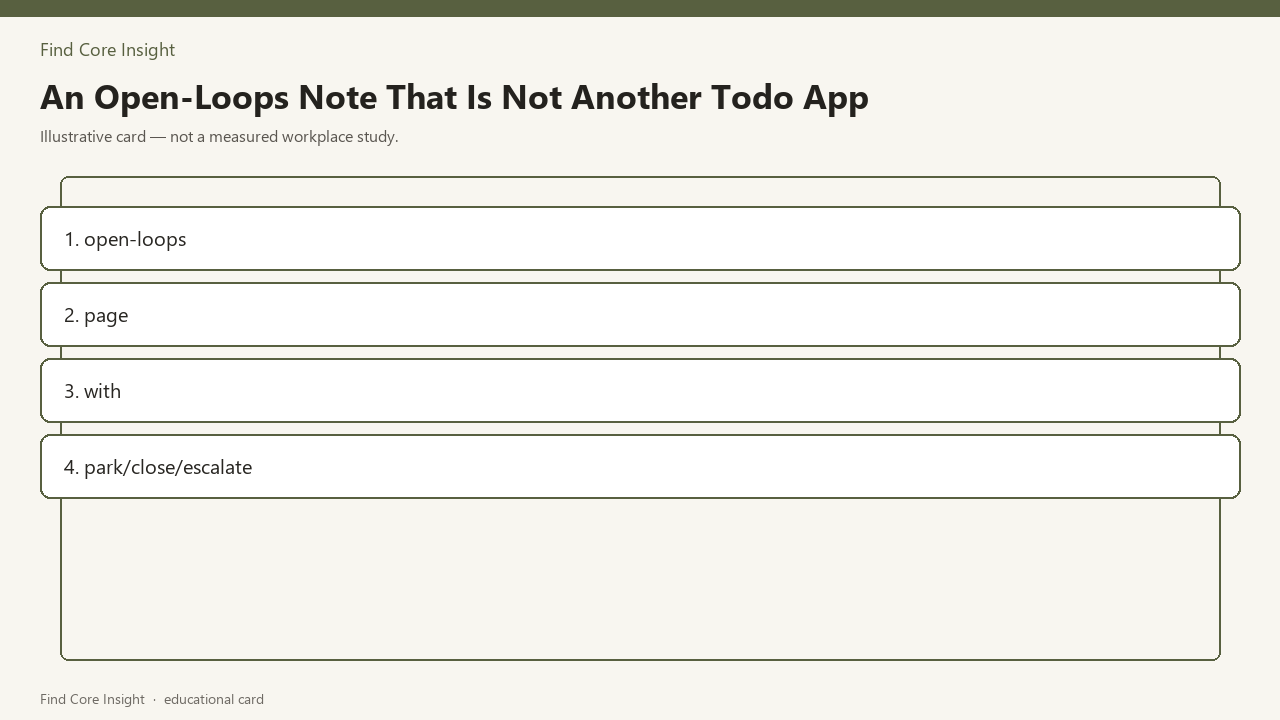
Now you fill in the table below as you go, one row per open loop. For every first path item (action you control), you complete it right now while the timer runs, then mark it closed in the table, no further tracking needed. For every second path item (relies on others), you assign it one of three labels: park, close, or escalate. Park means you send the required message now and set a single follow-up reminder at a specific, realistic date, no more nudges or mental notes until that date arrives. Close means you abandon the loop entirely because it no longer matters – if you’ve been meaning to ask a former colleague about a job opening that closed last month, you just close it, no guilt, no explanation needed. Escalate means you send the request to someone with more authority to get a response faster, then set that follow-up reminder for the same date you would have used for a parked item. Loops that linger because they have no owner get closed immediately if no one is accountable for the outcome, or escalated to the person who owns the project the loop ties to.
| Open loop item | Path assigned | Action taken right now | Place to track if needed |
|---|---|---|---|
| Illustrative example: Follow up re: travel grant status | Relies on others | Send 1-sentence check-in to program lead, mark send date | Bottom section of this note |
| Illustrative example: Return Alex’s portable charger left at last week’s meeting | Action you control | Grab charger from desk drawer, leave on Alex’s desk on your next coffee run | No tracking needed, close immediately |
| Illustrative example: Confirm team lunch location for next Friday | Relies on others | Send poll to 3 team members for preferred spot, set reminder to check results Monday | Calendar reminder for Monday 10am |
| [Your first item here] | |||
| [Your second item here] | |||
| [Your third item here] |
You work through your list one item at a time, no skipping, no putting items back for later. If your timer goes off before you finish all your loose items, you stop, leave the remaining rows blank, and pick them up next time you do this exercise.
Clear signs you assigned the wrong path to an open loop
You don’t need to audit this note every day, or check in on your parked loops constantly. The only sign you need to look for that you made a wrong call is that the loop pops back into your head unprompted three times in a single 24-hour period. That means you either assigned it to the wrong path, your follow-up date is too far out, or you should have escalated instead of parking it. The fix takes 30 seconds, no re-doing the entire list, no overthinking: If you put an action you control in the relies-on-others path, you complete it immediately, right when you notice the nudge. If your follow-up date is too far out, you adjust it to three days from now, no need to justify the change to anyone. If you parked a loop that’s time-sensitive and you haven’t gotten a reply, you forward the original message to the relevant contact with a one-line note that you’re following up to hit the shared deadline. If you realize the loop doesn’t belong to you at all, you forward it to the correct person with a short note that you’re handing off ownership, then close it on your end.
Wednesday 15-minute sweep to update all open loops
You save this note in the same folder you keep your team meeting notes, no special app, no separate folder, no complicated filing required. This note never clones your task manager – it only holds the open loops that don’t fit neatly into your existing todo list, the loose ends that feel too vague to assign to a specific project or deadline. Next Wednesday at 2pm, you set a 15-minute timer, pull up this exact note, and move three open loops to park, close, or escalate. You don’t go through your entire todo list, you don’t scroll through weeks of old messages to find every possible loose end, you just tackle the three loops that have been niggling at you, or the three follow-up reminders that popped up that week. You add any new open loops you jotted on post-its, napkins, or notebook margins to the table, assign each a path, and take the 30-second action required for each. If you want to adjust the thresholds for when to park, close, or escalate later, you can find the guidance you need on Find Core Insight, but you don’t need that to start today. When the 15-minute timer goes off, you close the note and get back to whatever you were working on, no extra steps needed.